

Mozilla is testing a built-in ad blocker in Firefox
Mozilla has started testing an ad blocker in Firefox. This native solution is powered by the Brave browser’s ad block engine, called Adblock-Rust. Firefox has long supported ad blocking extensions, and users have plenty of options to choose from such as uBlock Origin. If ad blockers can already work in Firefox, why is Mozilla bringing a built-in ad blocker. The reality is that there are a lot of people who don’t know how to use extensions, or which extension to use to block ads. Mozilla’s decision to ship a built-in ad blocker in Firefox will help non-tech savvy users block ads, trackers.
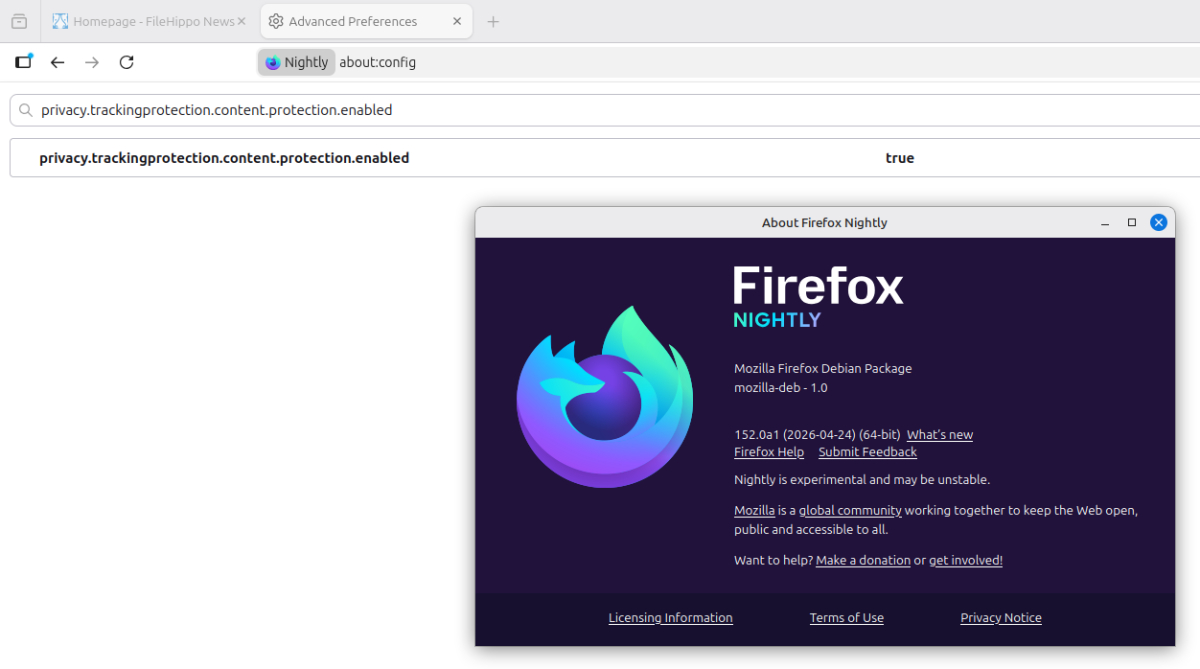
Firefox’s native ad blocker is currently in an experimental option that users need to enable manually. There is no UI or option yet to customize filter lists. But it’s a good start and hopefully this feature will be improved in the near future. Waterfox, a branch of Firefox, is also implementing Brave’s ad blocking engine into its browser.
Mozilla says it used AI to find and fix 271 vulnerabilities in Firefox
This week there was another surprise from Mozilla. non-profit organization has revealed It is using AI models to identify security vulnerabilities in Firefox. Mozilla and Anthropic have collaborated for this purpose, using Cloud Mythos Preview to scan Firefox’s source code for issues. In February 2026, a scan of Opus 4.6 identified 22 security-sensitive bugs in Firefox 148. With the release of Firefox 150, the number of security issues detected by AI increased. In total, AI has helped Mozilla fix 271 vulnerabilities in Firefox.
This use of AI is not just vibe coding, i.e. just allowing the LLM to scan and rewrite the code. Instead, Mozilla engineers use AI to detect problems in the source code, then manually analyze the results. Developers then work on the code to fix bugs, and test them before releasing updates. Although this practice cannot prevent all 0-day threats, it can help reduce the number of such threats to a great extent. On the other hand, AI is being misused are being targeted by hackers and cyber criminals, and some LLM command injection attack.
Microsoft lowers Xbox Game Pass prices
Microsoft has made an announcement Price reduction for Xbox Game Pass Subscriptions. The move comes a week after Xbox CEO Asha Sharma admitted that Game Pass had become too expensive. Xbox Game Pass, which previously cost $16.49 per month, now costs $13.99 after a $2.50 price drop. Xbox Game Pass Ultimate sees a big change, dropping by $7 from $29.99 to $22.99 per month.

However, there is a small setback for gamers. The Xbox Game Pass plan will no longer include Call of Duty games at launch. So players who want to play new games when they are released will have to either purchase them, or wait a year for them to be added to Game Pass. This change does not affect Call of Duty games that are currently available to players.
Windows will let you pause updates forever, but you’ll have to stop them again
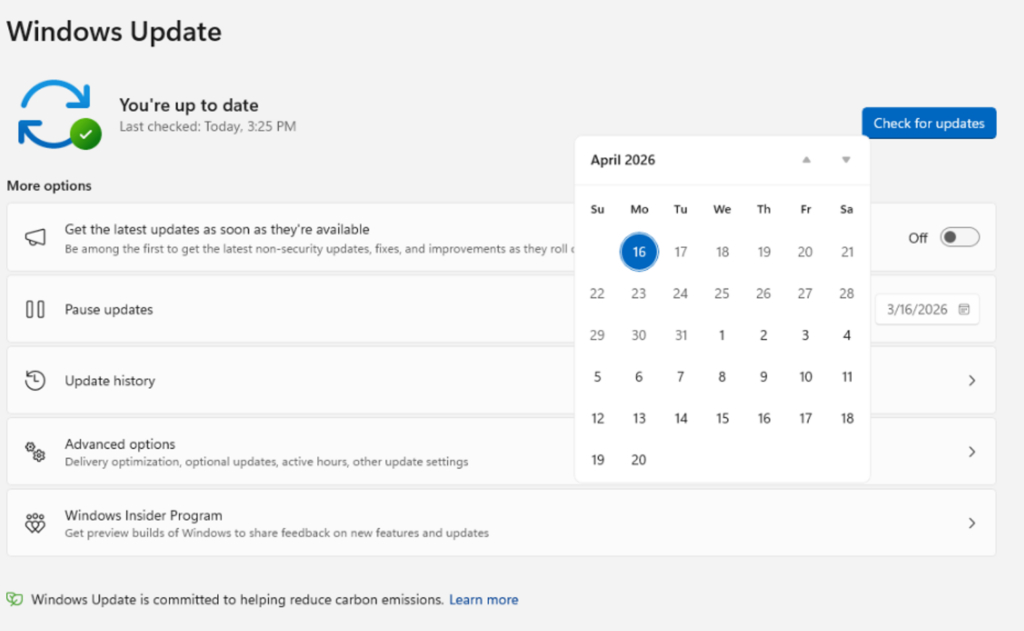
As part of improving the Windows 11 update experience, Microsoft has announced that users will be able to pause updates indefinitely. This means that users can stay on a specific version of Windows forever. But, there is a timer of sorts. You can choose to pause updates for up to 35 days. When you are close to the mark, you can choose to stop it again. There is no limit to how many times you can do this. Users who have just purchased or built a new PC can skip updates immediately during the Out of Box Experience (OOBE) to speed up the Windows setup process.
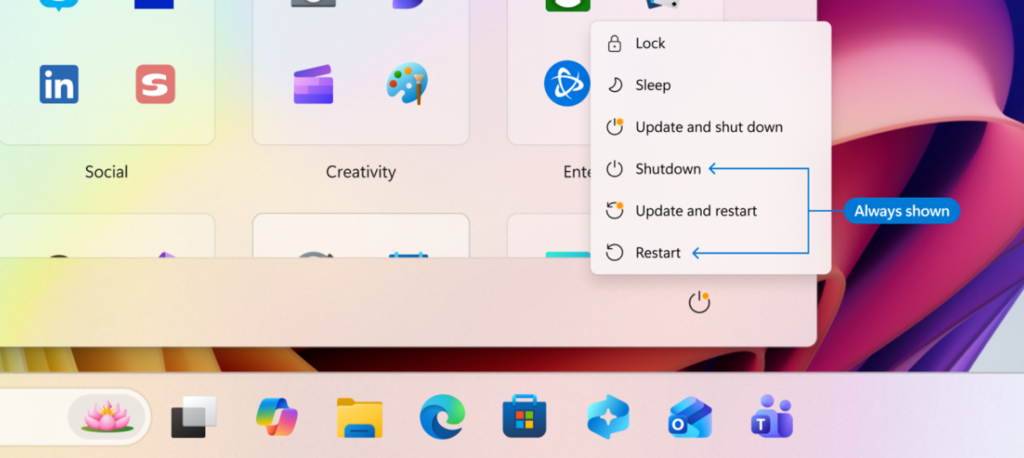
Additionally, Microsoft is also addressing a problem that has been frustrating users for a long time. Sometimes, when Windows downloads an update, you may not be able to restart the PC or turn it off, as this will force you to install said update. So you’ll need to wait for the update to install before restarting or shutting down the system. The new experience adds 2 additional options to the Power menu, which will display the Shutdown and Restart buttons. It is up to the user to decide whether they want to update and shut down, or update and restart, or reboot it, or simply shut down the PC.
Microsoft says These changes are currently being implemented for users who have opted into the Dev Channel and Experimental Channel of the Windows Insider program.
Brave launches a premium version of its browser
Brave has launched a minimal version of its browser, and it’s called brave origin. For those unaware, the original Brave browser comes with a variety of features, many of which generate revenue for the company. These include stats like Leo, News, Playlists (iOS and desktop Nightly), Rewards (which also disables browser-based Brave ads), SpeedReader, Daily Usage Ping, Crash Log and privacy-preserving product analytics (P3A), Talk, Tor, VPN, Wallet (which also disables Web3 domains), Wayback Machine, and the Web Discovery Project.
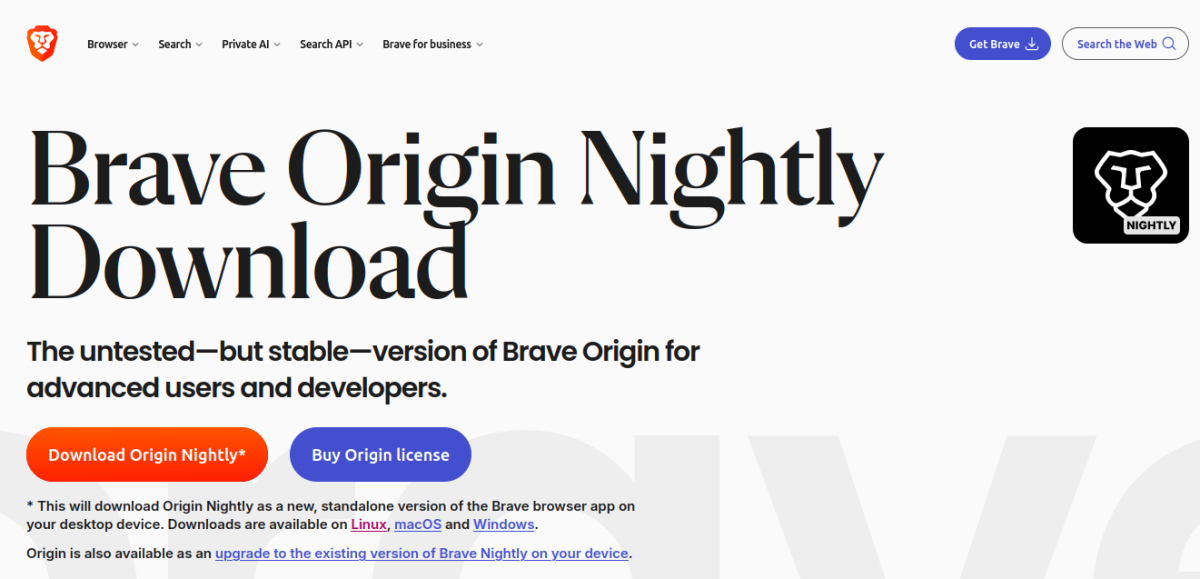
Brave Origin removes all of these revenue-generating features, but at a cost. And I mean literally, users can get access to it for 60. This is a one-time purchase, and it supports 10 activations across multiple devices. Brave Origin is supported on Linux, macOS, Windows, Android, and iOS. On mobile devices, it is available as an upgrade, i.e. from an existing browser. On desktop, Brave Origin is available as a standalone app and upgrade. However, there is an exception to this. Linux users can download and use Brave Origin for free. Instructions for downloading the browser on Linux distros can be found on the official website.
Having an alternative, paid version of the browser could allow the company to earn additional revenue, and it could also attract users who don’t like extra features. But it remains to be seen whether the move will be successful.